
The Website Redesign Checklist: When to Refresh, Rebuild, or Start Again

Key Takeaways
- Not every outdated website needs a full rebuild immediately.
- A refresh may be enough if the structure is still strong and only the content or visuals need improvement.
- A rebuild may be needed if the CMS, performance, mobile experience, or backend is holding the business back.
- A redesign discussion should start with diagnosis, not visual taste.
- Each type of change has different cost and timeline implications — choosing the right option matters.
Most websites do not become outdated overnight. They slowly fall behind the business. A service changes, but the page is not updated. A new customer segment becomes important, but the homepage still speaks to the old audience. The design starts to feel dated, the backend becomes harder to manage, and enquiries become less consistent.
For SME owners and founders, the challenge is knowing what kind of change is needed. Do you need a simple refresh, a proper redesign, or a full rebuild? Choosing the wrong option can waste budget and time. A small refresh will not fix serious technical problems, but a full rebuild may be unnecessary if the website foundation is still sound.
A useful website redesign checklist looks at design, content, user experience, performance, CMS, and business goals together. A web design agency can help assess these areas objectively, but it is helpful for business owners to know what signs to look for first.
A redesign discussion should therefore begin with diagnosis, not taste. It is easy to say that a website looks old, but more useful to identify whether the problem is clarity, trust, speed, content, mobile usability, or technical limits. The right solution depends on the real problem.
When a visual refresh is enough
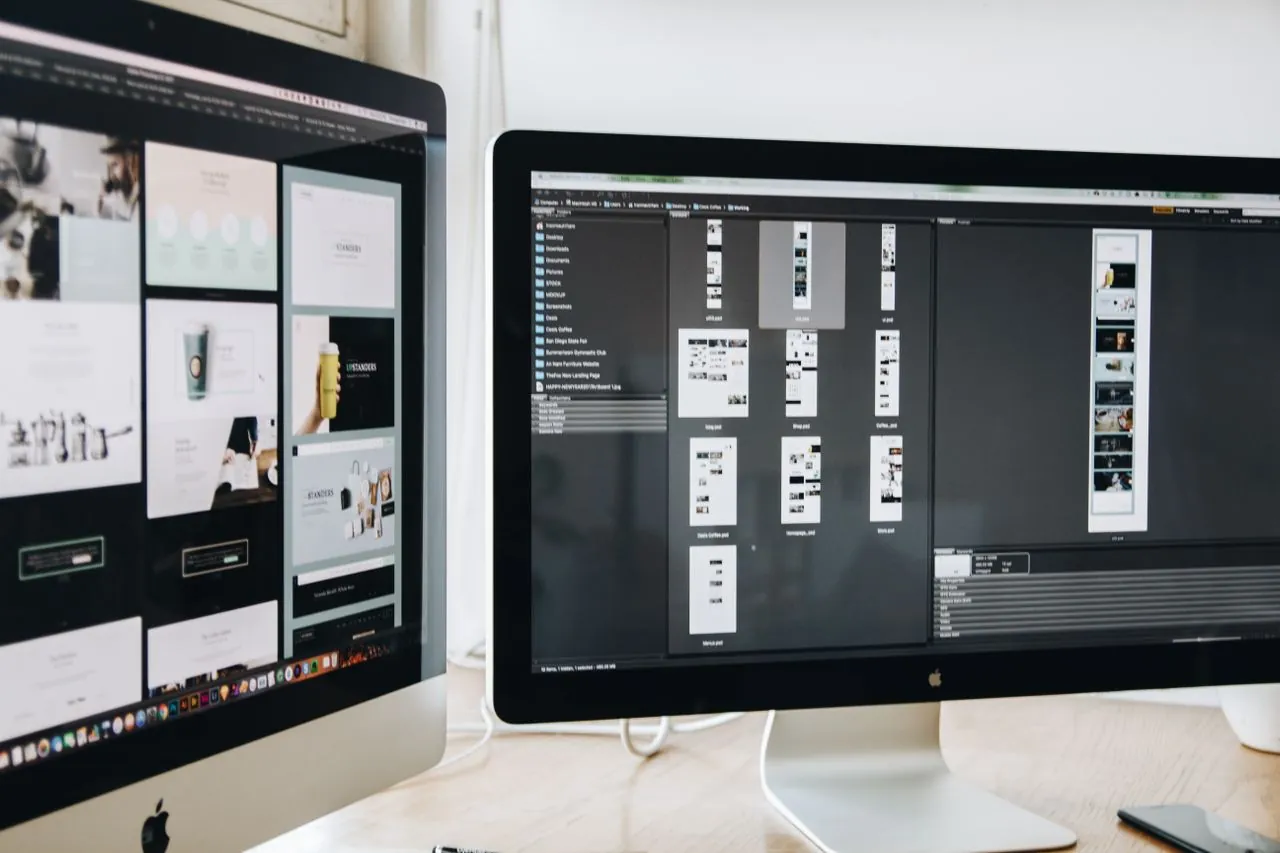
A visual refresh makes sense when the website structure and content are still strong, but the appearance has started to feel dated. This might include updating fonts, colours, imagery, button styles, or layout proportions without changing the underlying page structure or CMS.
A refresh is also useful when the brand has evolved slightly — new logo, updated colour palette, or a shift in tone — and the website needs to reflect that change without a complete overhaul. It is a lower-cost option that can have a meaningful impact on first impressions.
When reviewing website design services, ask whether a refresh would address the actual problem. If visitors are bouncing because the page looks dated, a visual update may be enough. If they are bouncing because the content is unclear or the mobile experience is broken, a deeper solution is likely needed.
A refresh is not the right answer when the underlying CMS is difficult to use, when the site loads slowly due to structural issues, or when the page architecture no longer reflects how the business works. In those cases, a refresh delays the problem rather than solving it.
When a redesign makes more sense

A redesign goes deeper than a visual refresh. It involves rethinking the information architecture, page structure, content hierarchy, and user journey. The CMS may remain the same, but the way pages are structured, labelled, and connected changes significantly.
A redesign is appropriate when the current website structure is no longer supporting how customers move through the site. If visitors consistently land on the wrong pages, struggle to find services, or drop off before enquiring, the issue is likely structural rather than visual.
This type of project typically involves content strategy, UX planning, and close collaboration between design and development. A good web design and development Singapore partner should help define what the new structure should achieve before any design work begins.
A redesign may also be prompted by a shift in business positioning, a new target audience, a major service change, or the addition of new offerings that do not fit cleanly into the existing structure. These are not visual problems, and a refresh alone will not resolve them.
When a full rebuild is necessary
A full rebuild replaces the existing website entirely – new CMS, new hosting setup, new development stack, and sometimes a new domain structure. This is the most significant option and is appropriate when the current platform is genuinely limiting the business.
Common signs that a rebuild is needed include a CMS that the team cannot update without technical help, a site that fails core mobile and speed benchmarks, significant security vulnerabilities in the existing build, or a platform that cannot support the integrations the business needs.
A rebuild is also the right choice when the business has changed so significantly that starting from the existing structure would be more expensive than starting fresh. This can happen after a pivot, a rebrand, a merger, or a significant expansion into new services or markets.
The risk with a rebuild is timeline and scope. It is the most costly option and the one most prone to delays when planning is not thorough. Business owners should expect a rebuild to take longer and require more input from the team, particularly around content, integrations, and testing before launch.
How to decide which option is right

The most useful starting point is an honest audit of the current website. Review the visual appearance, content accuracy, mobile experience, page speed, CMS usability, enquiry flow, and how well the site reflects the current business. Map what is working, what is not, and what the business actually needs from the website in the next two to three years.
Then match that audit to the three options. If the structure is sound and only the look needs updating, a refresh may be enough. If the structure is limiting but the platform is still viable, a redesign is likely the answer. If the platform itself is the problem, a rebuild is the most honest solution, even if it costs more upfront.
A good website design agency should be able to give you a clear recommendation after reviewing the current site. Be cautious of anyone who jumps straight to a full rebuild without understanding what the website is actually failing at.
Budget and timeline are also part of the decision. A refresh can often be completed in two to four weeks. A redesign typically takes six to ten weeks. A rebuild can take three months or more depending on scope. Matching the right option to the real problem, and to the business’s capacity for the project, is how SMEs get the best outcome from a website investment.
Conclusion
Website redesign decisions work best when they start with a clear diagnosis rather than a visual preference. Understanding whether the problem is cosmetic, structural, or technical helps SMEs choose the right type of change and avoid spending more than is necessary.
A practical next step is to walk through your current website as if you were a new visitor and note where it fails to represent the business clearly. Then ask your team what they need from the website that it is not currently providing. Those two exercises will usually point clearly towards a refresh, a redesign, or a rebuild.
Not sure whether your website needs a refresh, redesign, or rebuild? BlueCube Media offers website audits and redesign services for Singapore SMEs. Contact us to find out which option is right for your business.
FAQs for Corporate Website Design Services in Singapore
What is the difference between a website refresh and a redesign?
A refresh updates the visual appearance of a website without changing its underlying structure. A redesign involves rethinking the page architecture, content hierarchy, and user journey, often while keeping the same CMS.
When should an SME rebuild their website completely?
A full rebuild is appropriate when the CMS is too difficult to manage, the platform has serious performance or security limitations, or the business has changed significantly enough that the existing structure cannot be adapted.
How do I know if my website needs a redesign?
Signs include poor mobile experience, unclear navigation, low enquiry rates despite reasonable traffic, service pages that no longer reflect the business accurately, or a site structure that does not support the current customer journey.
How long does a website redesign take?
A redesign typically takes six to ten weeks for most SME websites, depending on scope, content readiness, number of pages, and how quickly approvals are provided during the project.
Can I improve conversion without a full redesign?
Yes. Many conversion improvements can be made through CTA changes, form simplification, improved mobile layouts, clearer headlines, and better trust signal placement, without rebuilding the whole website.
Should I involve my sales team in a website redesign?
Yes. Your sales team understands what prospects ask, where they hesitate, and what information helps them decide. Their input can shape service page content, FAQs, and proof points in ways that make the redesigned website more effective.